Skip to content
Home / Prompt Lab
Web app · extension setup · source build

A prompt-engineering
workbench in your sidebar.

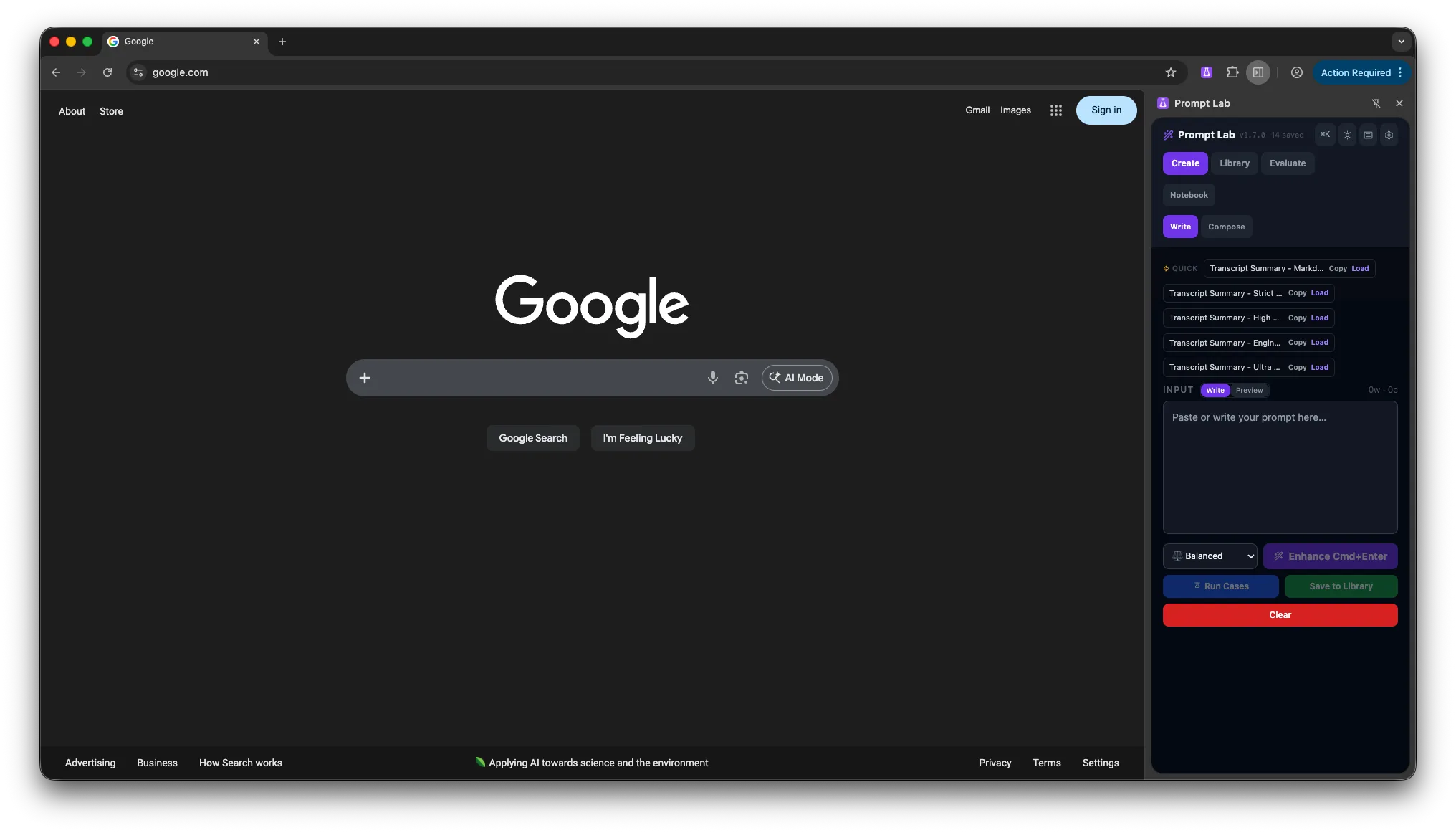
Write, enhance, score, and organize prompts in a local browser library. The hosted app requires sign-in; provider calls happen only when you connect and run one.
View product and pricing ↗ Open web app · sign-in
Prompt Lab running in a Chrome sidebar
Proof

Install with the operating context visible

Bring your own keyModel credentials stay in the browser. Hosted provider requests use Prompt Lab's domain-allowlisted proxy; keys are not persisted server-side.
Free editor · Pro $9/monthUse the free editor in the extension or hosted app; A/B Compare is part of the optional Pro plan.
Public policyReview privacy before installing or using the web app.
Source trailOpen the registry to inspect project activity and related builds.
01

What's inside

Bring your own key
01

Live quality scoring

Every prompt gets a real-time score with specific, actionable suggestions to improve it.

02

A/B Compare · Pro

Compare variants and inspect side-by-side differences with the optional Pro plan.

03

Versioned library

Save prompts with full version history, template variables, and shareable links.

04

Composer mode

Assemble complex prompts from reusable blocks and structured sections.

05

Template variables

Parameterize prompts with typed variables and fill them in at run time.

06

Local by default

Drafts and libraries stay in browser storage. Hosted provider requests use Prompt Lab's domain-allowlisted proxy; keys are not persisted server-side.

7 enhancement modes
Clarify Expand Compress Strict Engineer High-detail Ultra

Try it on your next prompt.

Start with the free editor, review extension setup, or use the documented desktop source build. The hosted app asks you to sign in.

View Prompt Lab product page ↗